
AI Contact Insights in Dynamics 365
Modern CRM systems are evolving from simple data storage tools into intelligent decision-making platforms. With the introduction of Dynamics 365 Copilot, contact records are no longer static — they are now enriched with real-time AI-driven insights.
In this guide, we will walk through a complete implementation flow — from raw contact data to intelligent automation — showing how businesses can transform their CRM experience.
❓ Why Do We Need AI Contact Insights?
In traditional CRM systems, contact records only store basic information such as email, phone number, and job title. While this data is useful, it does not provide any intelligence about customer behavior or engagement.
Sales teams often spend a significant amount of time manually analyzing activities like emails, calls, and notes to understand whether a contact is interested or not.
🚫 Challenges Without AI Insights
- Time wasted analyzing emails and call history manually
- No clear indication of which contact is “hot” or “cold”
- Delayed response to potential customers
- Inconsistent decision-making across sales teams
- Missed opportunities due to lack of visibility
✅ How AI Contact Insights Solves This
AI Contact Insights automatically analyzes all related data and provides meaningful recommendations directly inside the contact form.
- 🤖 Identifies high-value contacts instantly
- 📊 Provides engagement insights based on activity
- ⚡ Suggests next best action (Call, Email, Meeting)
- ⏱️ Reduces manual effort and saves time
- 🎯 Helps sales teams focus on the right opportunities
💼 Real Business Use Case
Imagine a sales executive managing 200+ contacts. Without AI, they need to open each record, check emails, and decide manually whom to follow up with.
With AI Contact Insights:
- System highlights top 10 high-potential contacts
- Shows who recently interacted
- Suggests immediate follow-up actions
This improves productivity and ensures no valuable lead is missed.
🔹 Stage 1: Raw Contact Data (Before AI)
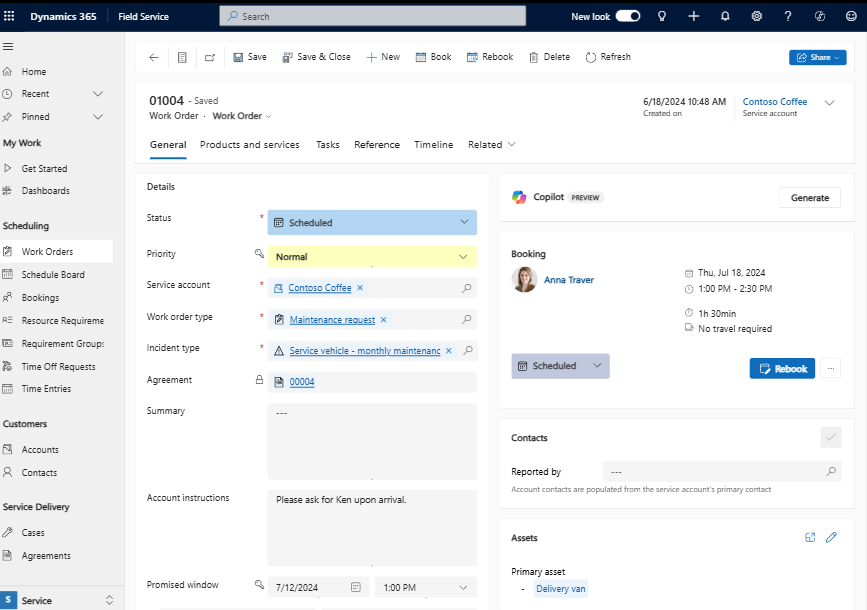
- Phone number
- Job title
This approach is time-consuming and often leads to missed opportunities.
🔹 Stage 2: Activity Analysis (Timeline)
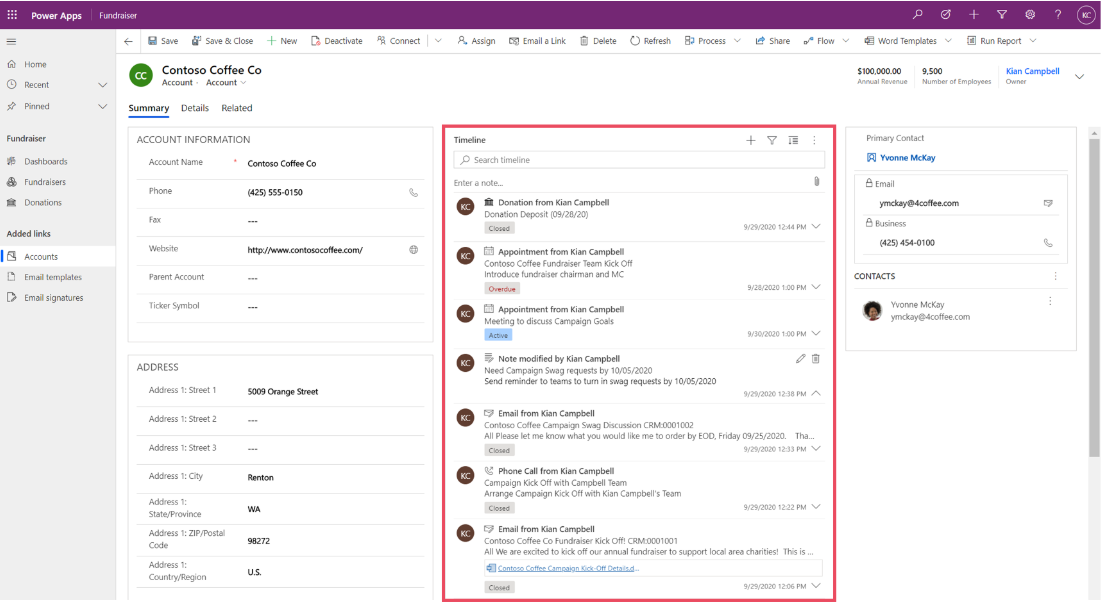
- Email conversations
- Phone calls
- Notes and meetings
However, analyzing this manually is still inefficient — especially when dealing with hundreds of contacts.
🔹 Stage 3: Copilot AI Insights
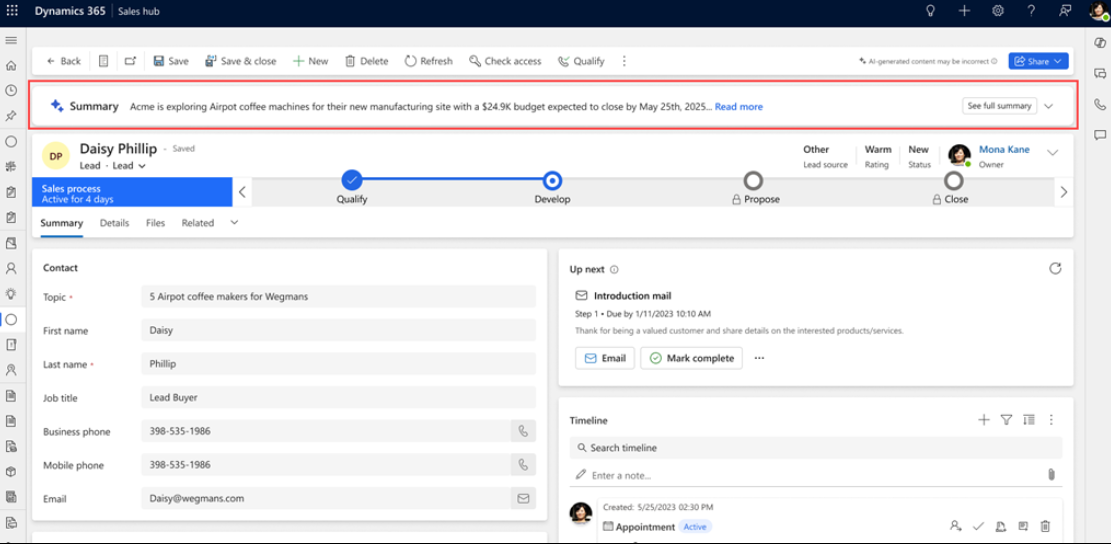
- AI-generated summaries
- Customer intent detection
- Engagement scoring
- Next best action suggestions
This eliminates manual analysis and enables faster decision-making.
🔹 Stage 4: Automation with Power Automate
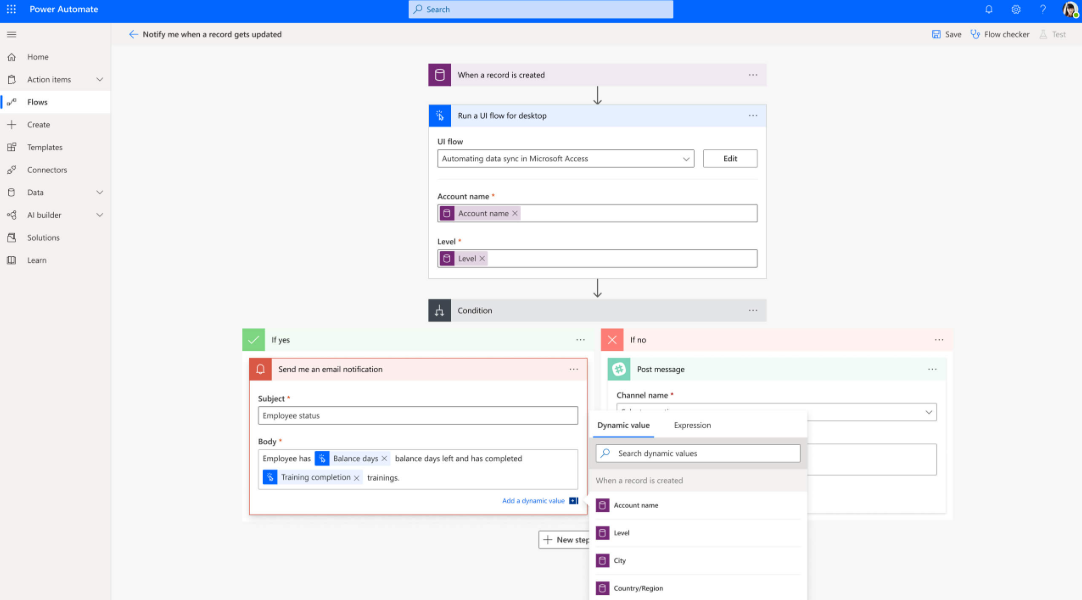
- Send follow-up emails
- Create tasks for sales reps
- Notify teams instantly
- Update lead status
This ensures consistent and timely engagement with customers.
🔹 Final Output: Intelligent CRM Experience
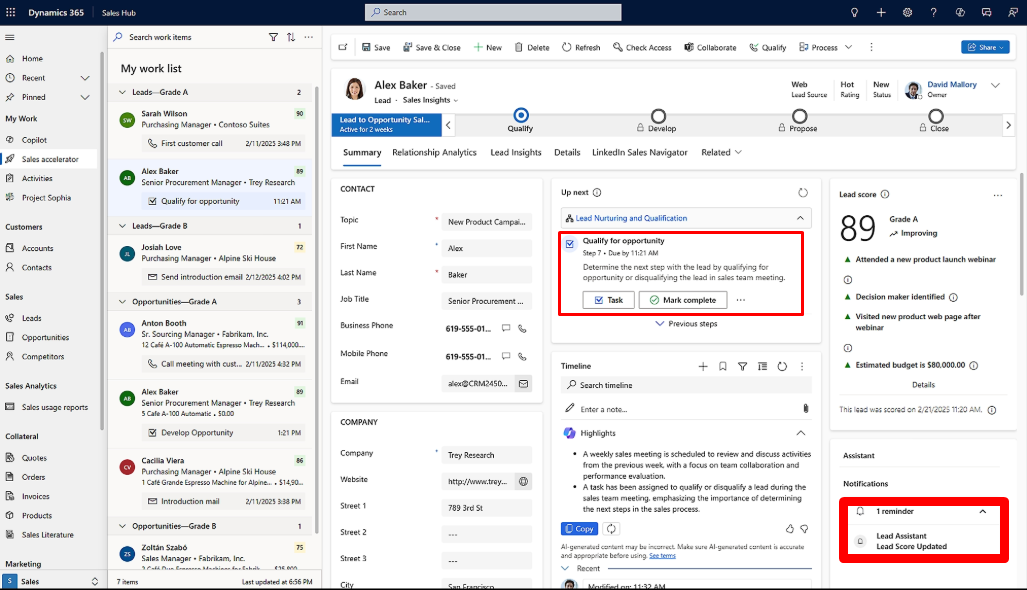
After implementing AI + automation, the CRM transforms into:
- Smart recommendations for every contact
- Automated workflows
- Real-time insights
- Reduced manual effort
💻 Technical Architecture (Developer View)
- Dataverse stores structured contact & activity data
- Copilot processes data using AI models
- Power Automate handles workflows
- Plugins can extend logic further
📊 Business Impact
- 🚀 Faster response time
- 📈 Increased conversion rate
- ⏱️ Reduced manual work
- 🎯 Better targeting
- 💰 Higher ROI